
Below you'll find everything you need for this product,including manuals, App, FAQs and video tutorials.


Below you'll find everything you need for this product,including manuals, App, FAQs and video tutorials.


Please use brand name memory cards that meet these requirements:
Note:
1. Please format the microSD card first in this camera before using it. To keep your microSD card in good condition, reformat it regularly. Reformatting erases all of your content, so be sure to offload your photos and videos first.
2. FAT32 format microSD card stops recording when the storage of each file is over 4GB and starts to record again on a new file.
To keep your microSD card in good condition, reformat it regularly. Reformatting erases all of your content, so be sure to offload your photos and videos first.
To reformat your card, long-press the shutter button to enter the Camera Setting, then press the mode button several times to enter the system settings, then press the down button several times to Format Card.
You can also tap the settings icons to enter the settings and scroll the screen to find Format Card.
Please download and install the AKASO GO app on the App Store or Google Play first. The AKASO GO app lets you control your camera remotely using a smartphone. Features include camera control, live preview, playback, download, and settings.
Note: Press the Up button if you want to turn off WiFi.
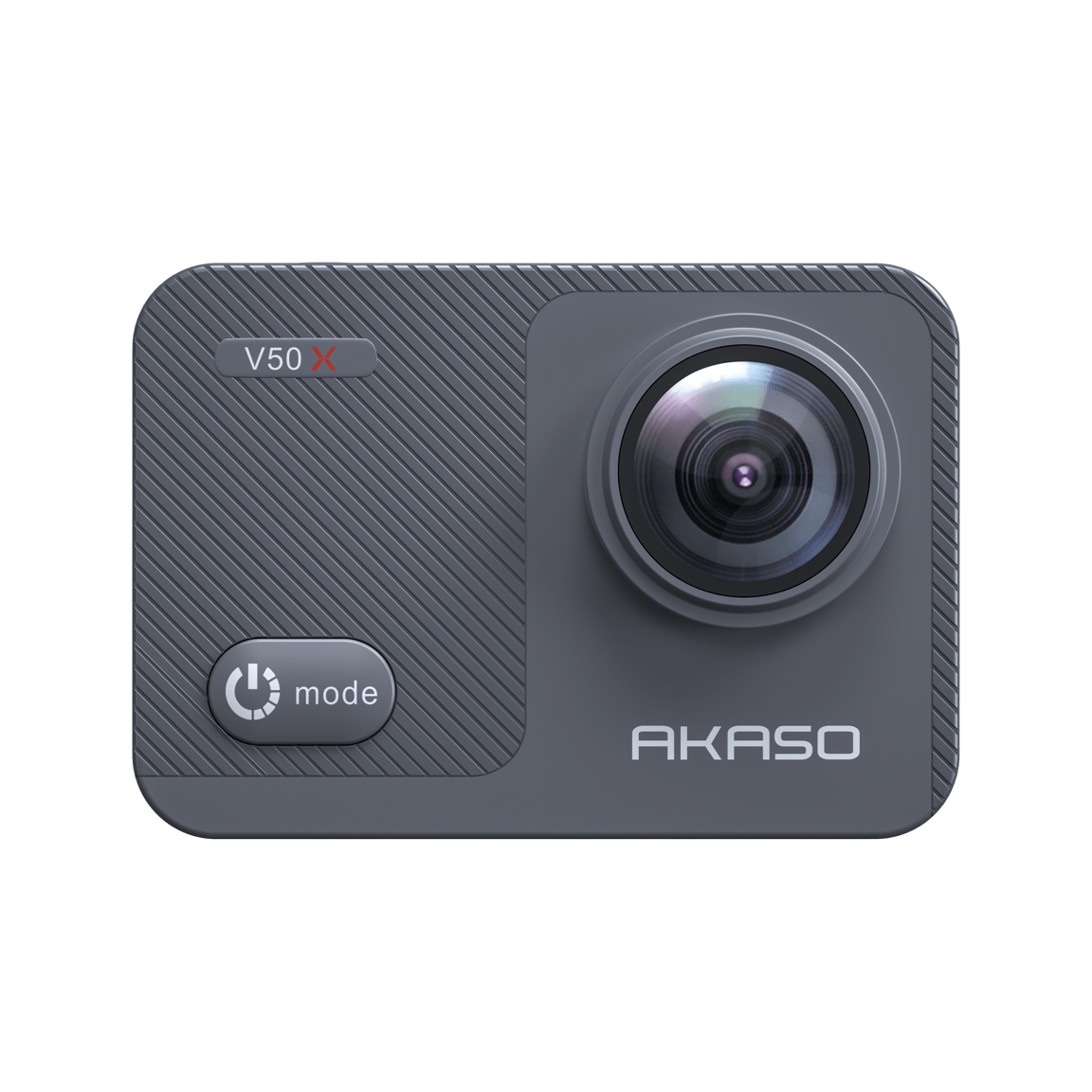
For V50X, when the card is in the camera, and you connect the camera to the laptop, then there are three options on the camera's screen, USB storage, PC Camera, and Charge. Please select the "PC camera" to use the V50X as a webcam.
You can choose the "USB storage" to transfer the files.
Notice: Sometimes this options screen won't come out at once, Please unplug and plug it several times or change the USB cable to try.
Please use Handbrake to convert and transfer all the files on the device to my Mac. Then you can hear the audio and therefore edit the videos in my video editing software, Final Cut Pro.
Please kindly note that you need to buy a genuine U3 rating high-speed card with a capacity of no more than 64GB in regular channels, and then format it in the camera.
If you rule out a problem with the card, please contact our after-sales support at cs@akasotech.com
Please long-press the shutter button to enter the camera settings and tap the system setting, scroll the screen to find "About", You can check the model and version of your V50X.